Reset your password for your Orion account
If your account does not have an email address on file, or you do not receive the password reset email, you must contact your administrator.
Go to the Orion sign-in page and click the Need help signing in? link.
Click Forgot password?
Enter your username or email address.
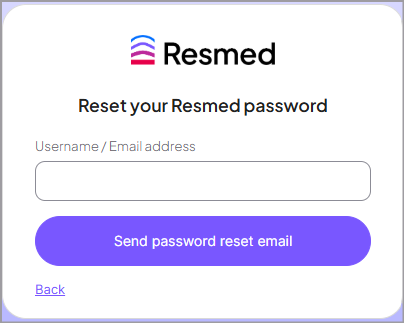
Click Send password reset email.
Check your inbox and click the link in the reset password email to create a new password.
Enter your new password and retype it to confirm.
The next time you sign in to Orion, enter your new password.