Patient tags
Tags identify special patient status.
Add tag to patient record:
Search for and open the patient record.
At the top of the patient record, click Add tag.
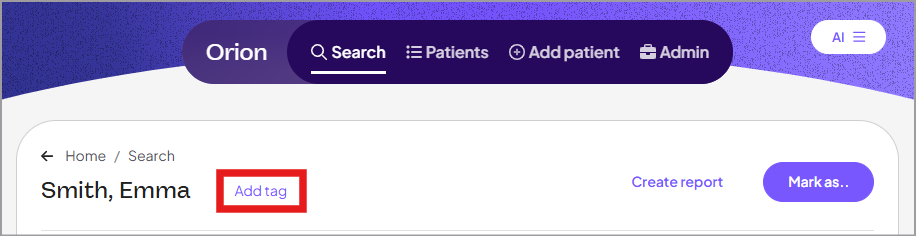
Select one of the following options:
CDL: Identifies patients with a commercial driver's license
Do not show in lists: Excludes the patient from patient lists
Remove tag from patient record:
At the top of the patient record, click the X next to the tag.